
Bollard Buddy for iOS
Place Bollards in AR
Visualize safer streets in augmented reality. Point your iPhone at a sidewalk, curb, or any space, and place virtual bollards, traffic cones, planters, benches, and more on real surfaces.
 Scan to download
on your iPhone
Capture photos of your designs and share them with neighbors, city officials, or community groups working toward safer streets. Then take your field captures into the 3DStreet Editor, where you can refine the design, check measurements, and build presentation-ready visualizations that win over decision makers.
Place in Real-World Context
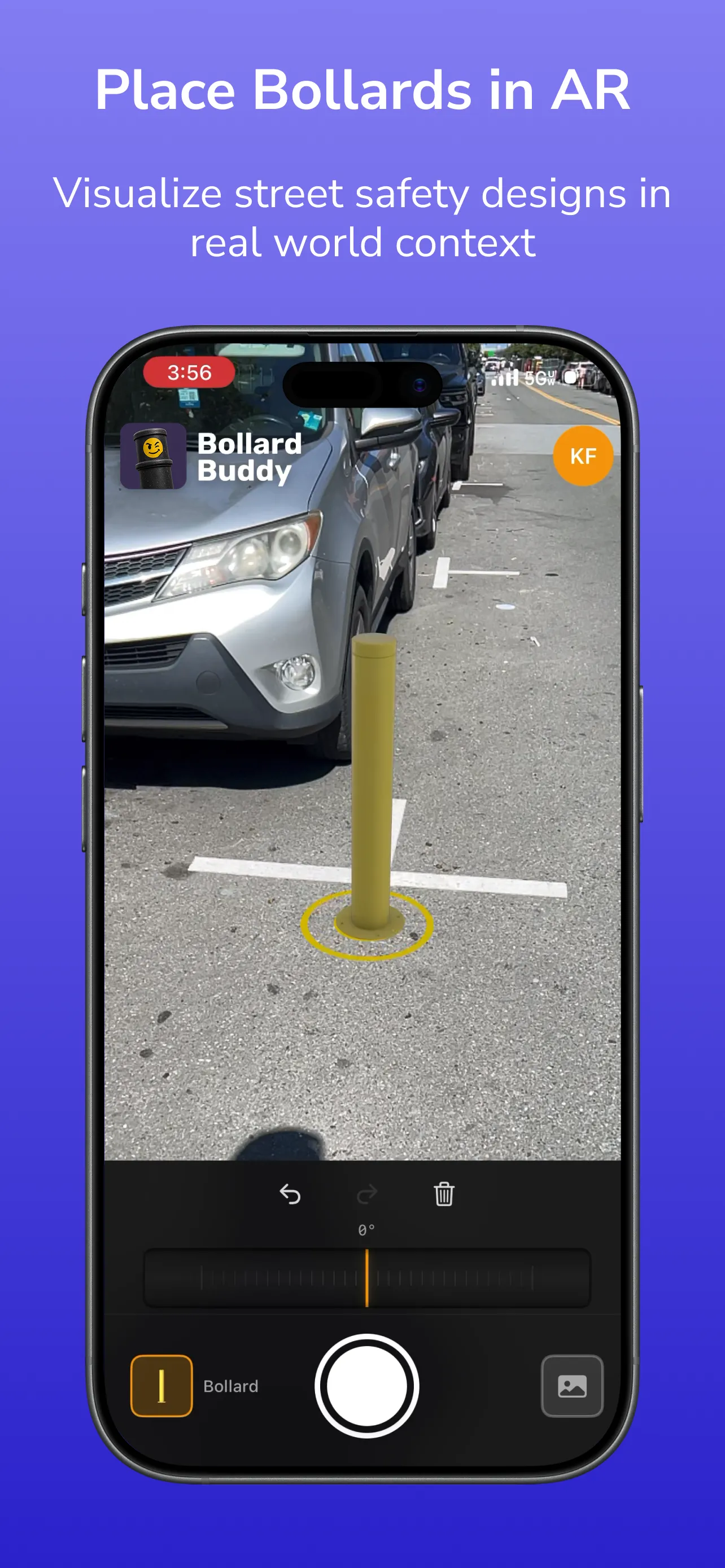
Use AR plane detection to drop street design elements directly onto the sidewalk or roadway in front of you, exactly where they'd go.
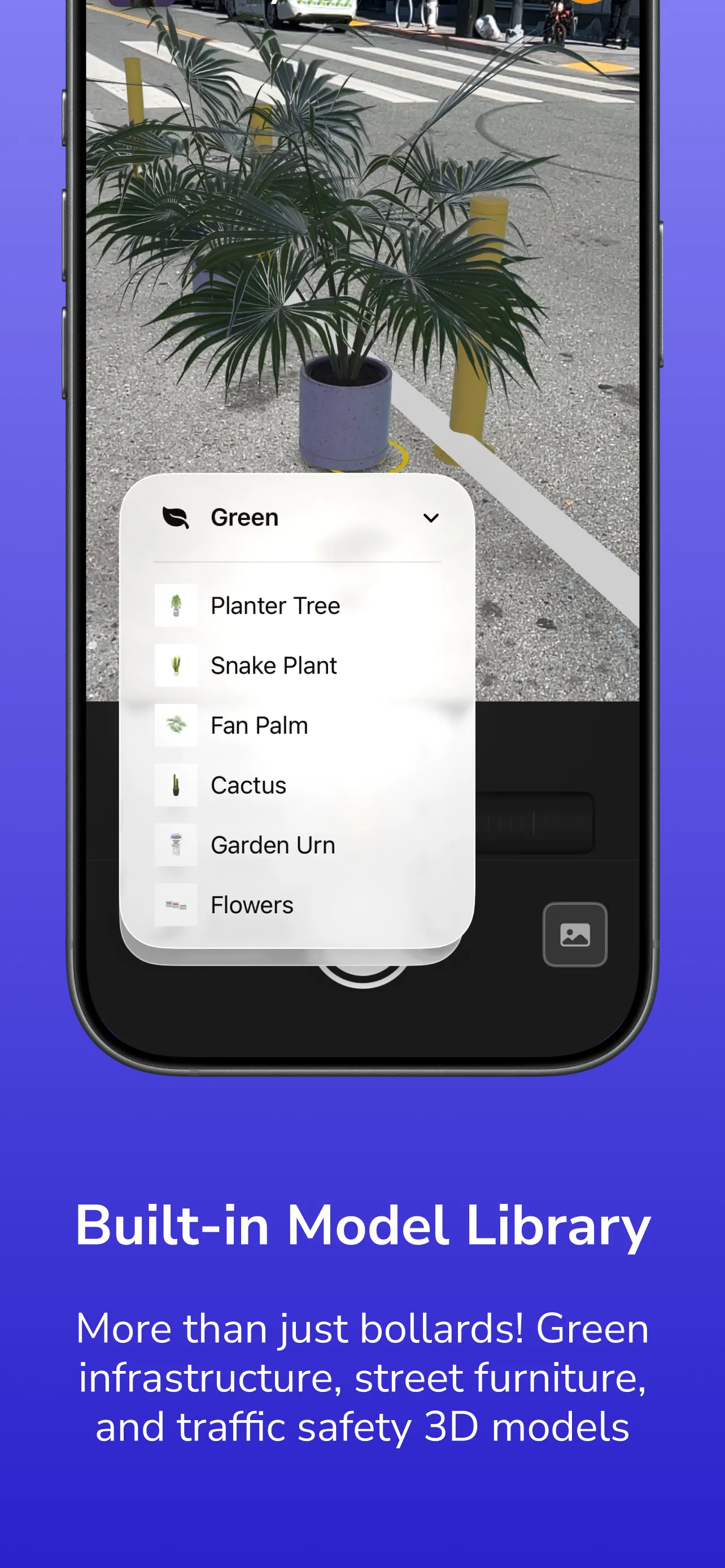
Built-in Model Library
Bollards are just the start. Place planters, trees, benches, traffic cones, and other green infrastructure and traffic-safety models.
Capture & Share
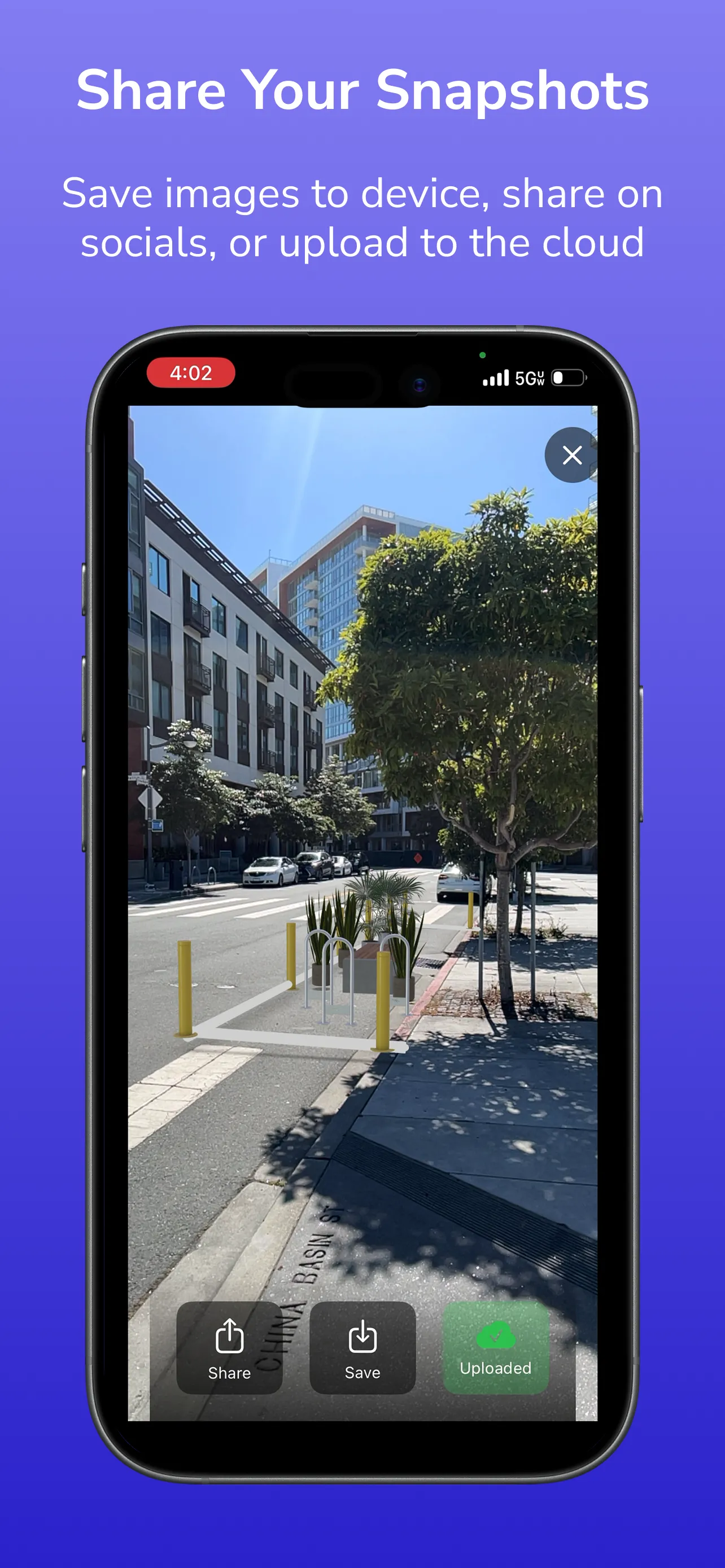
Save snapshots to your device, share them on social media, or upload to your private cloud gallery to revisit across devices.