4 posts tagged with "new features"

View All Tags

Product Update: Custom Asset Uploads, Video-to-Splat, and Bollard Buddy for iOS

· 8 min read

Kieran Farr
Creator of 3DStreet

Since a major editor panel interface redesign in late April, we've been busy working on a big batch of features focused on getting your own content into 3DStreet: your own 3D models, your own photos and videos turned into 3D, and scenes you capture in AR on your phone. We've also been putting a lot of work into reliability, especially for Managed Streets (procedural street generation), which we're planning to bring out of beta later this summer. Here's what's new.
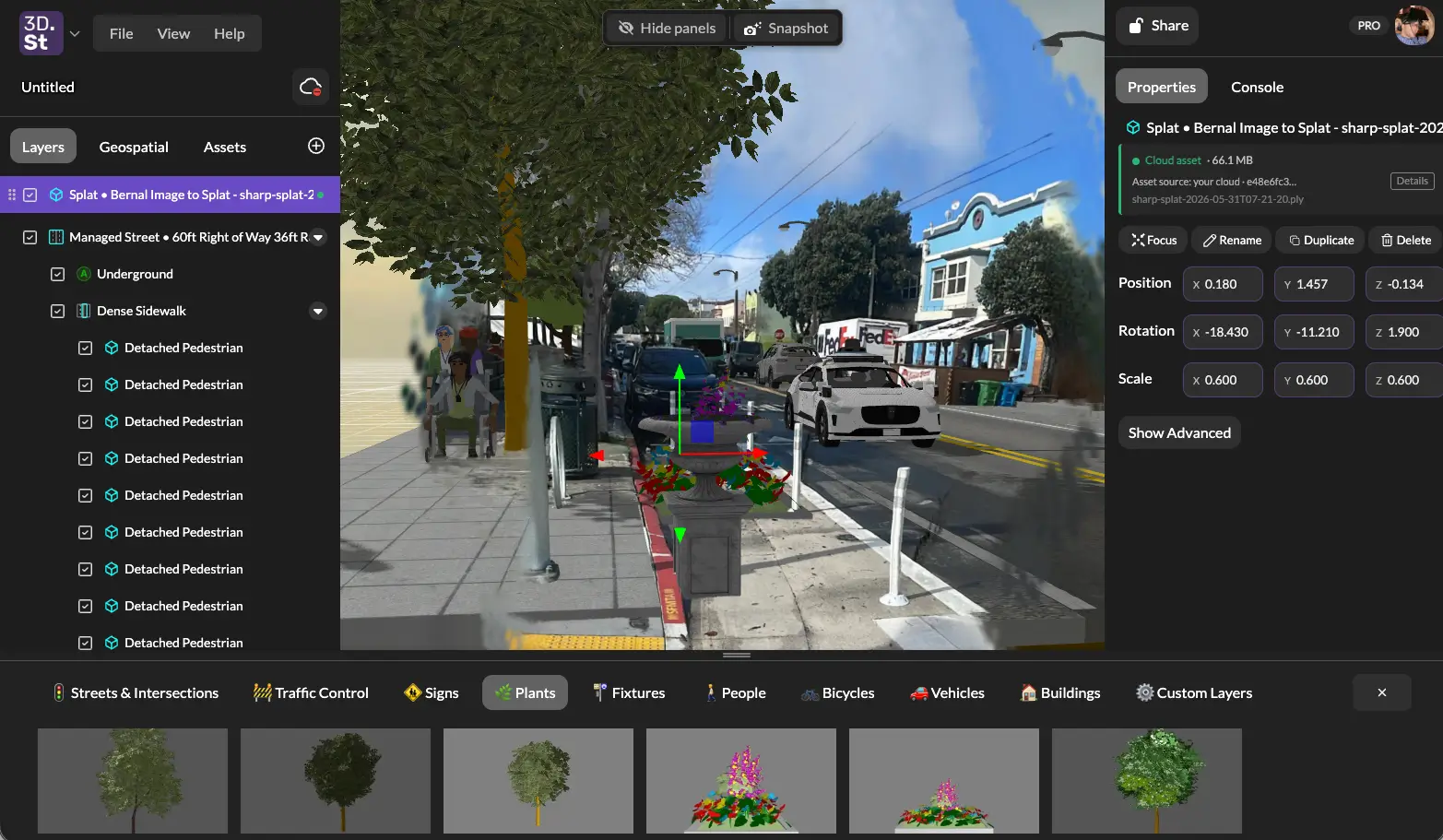
A 3D Gaussian splat of a Bernal Heights parklet placed in a 3DStreet scene alongside a procedurally generated managed street, sidewalk, pedestrians, and planters

Product Update: AI Image and Video Generator, Cloud Gallery, and More

· 10 min read
Kieran Farr
Creator of 3DStreet

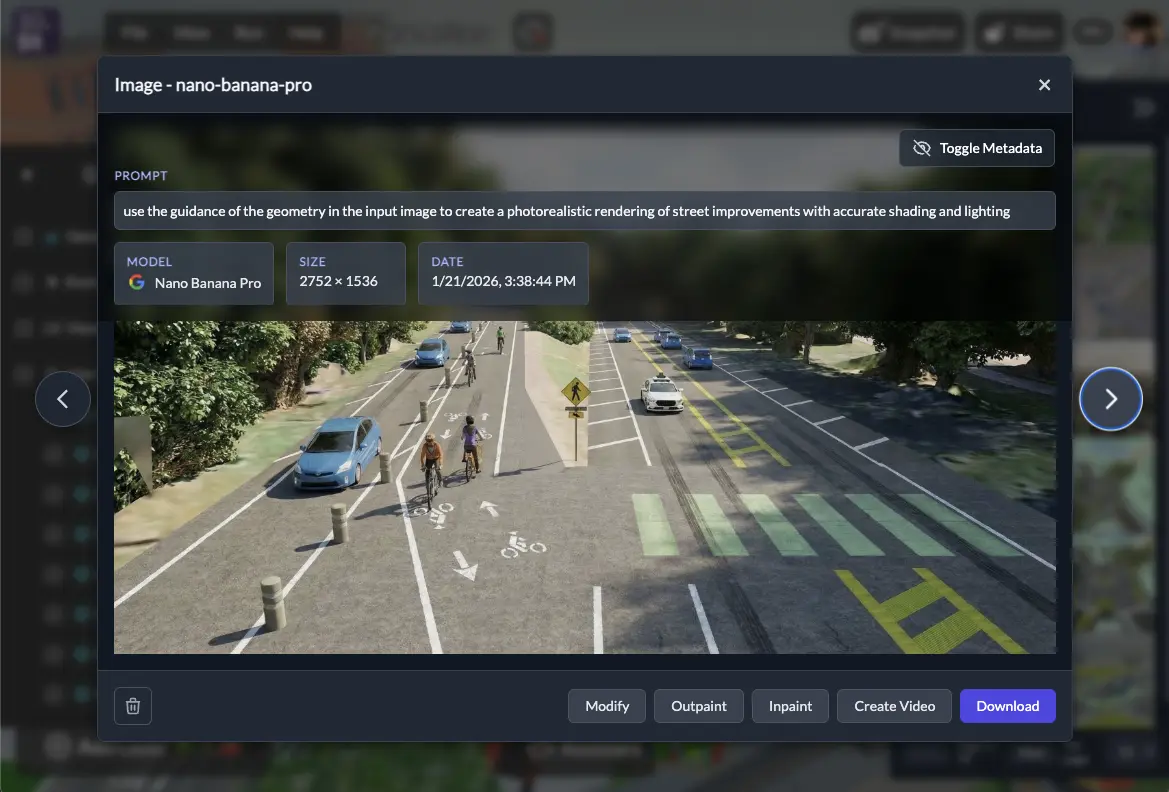
It's been a busy few months at 3DStreet! Since our last product update in September 2025, we've shipped a wave of new features focused on expanding our AI creative tools, improving how you manage and share your work, and making it easier to import designs from other platforms. Here's what's new.

Product update hero

Introducing AI Assistant Beta: Your Creative Partner for Street Design

· 7 min read
Kieran Farr
Creator of 3DStreet
Features have changed since this post

The AI Assistant has been renamed to Console and now lives as a tab in the right-hand side panel, not a floating button at the bottom. The Report Generator described in earlier posts has been removed, and the Console now streams a live history of every editor command as pills you can rewind or replay. See the current Console documentation for up-to-date behavior. We're keeping this post for historical context.

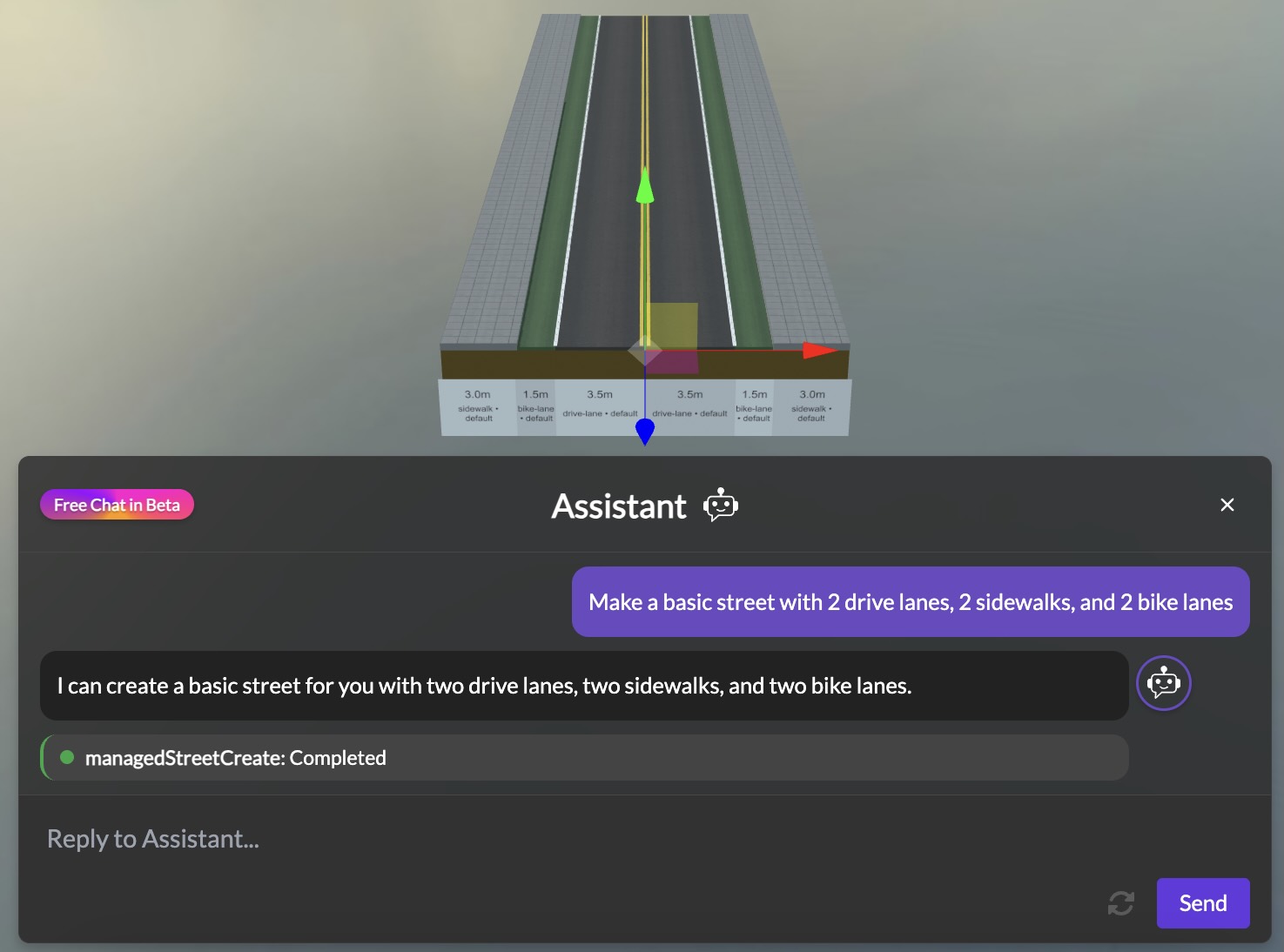
Today we're excited to announce the beta release of the 3DStreet AI Assistant, a new way to create and modify street designs using simple natural language. Just describe the street scene you want to create, and watch as your vision comes to life – no complex 3D editing required.*

Screenshot showing the 3DStreet AI Assistant interface with an example conversation